Game Art & Concept Design
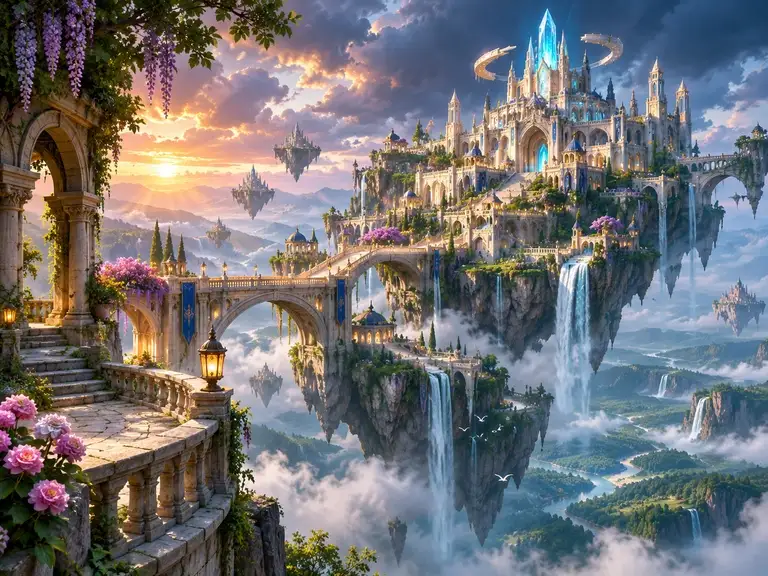
Explore environments, fantasy worlds, and game key art. Describe architecture, lighting, and atmosphere to try different versions of a scene.
Create Game Art
Text-to-Image | Image Editing | Reference Images
Create detailed images from text prompts or edit existing images with references. Guide the subject, style, and composition to create visuals that fit your project.
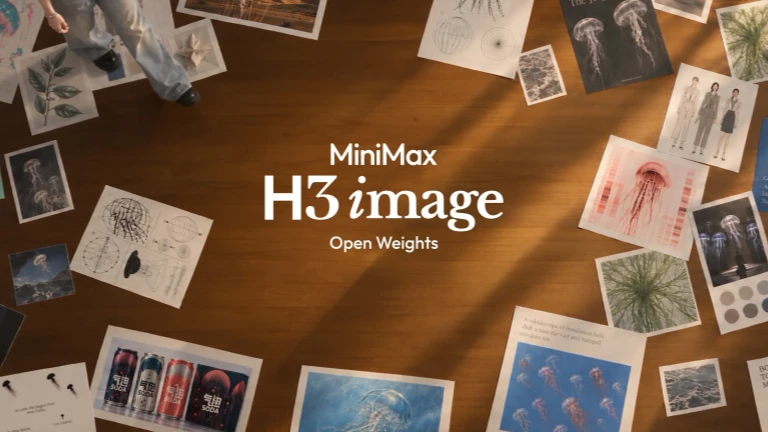 Example image
See how text prompts and reference images shape the final result. Explore examples of image generation and reference-guided editing.
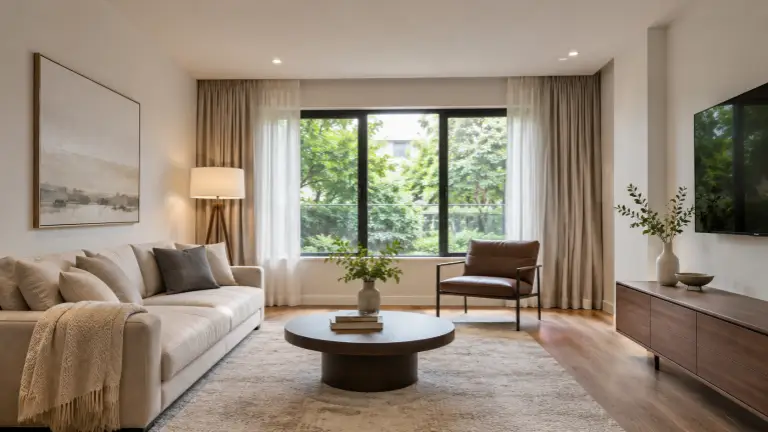 Reference 1
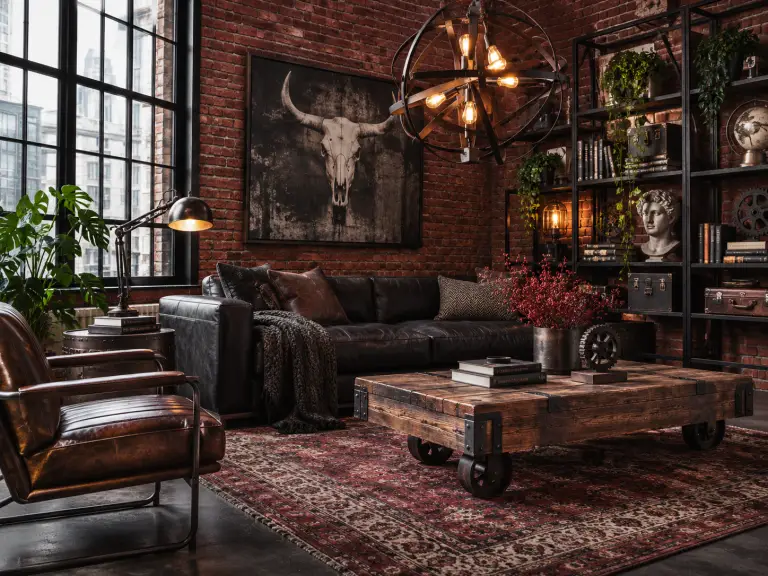 Reference 2
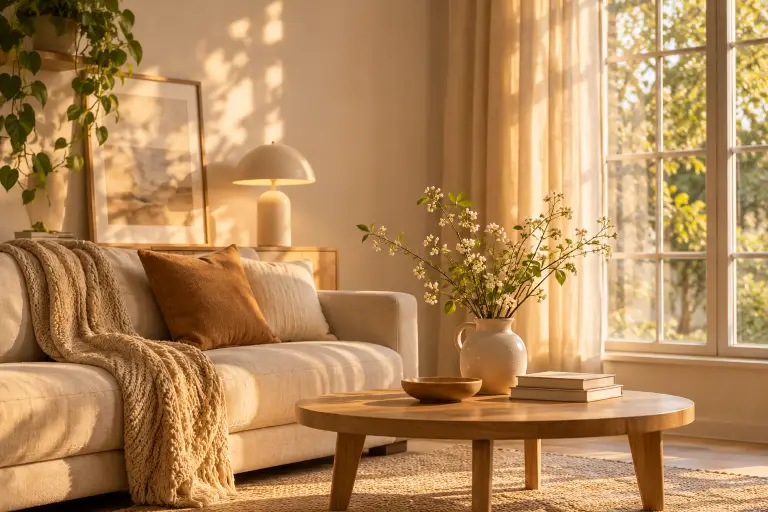 Reference 3
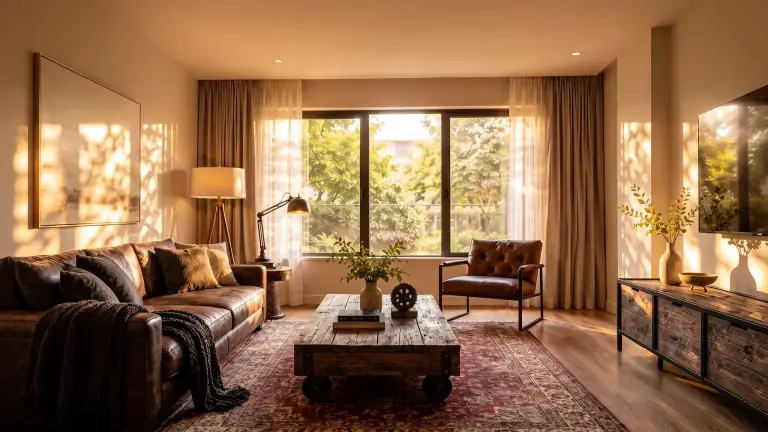
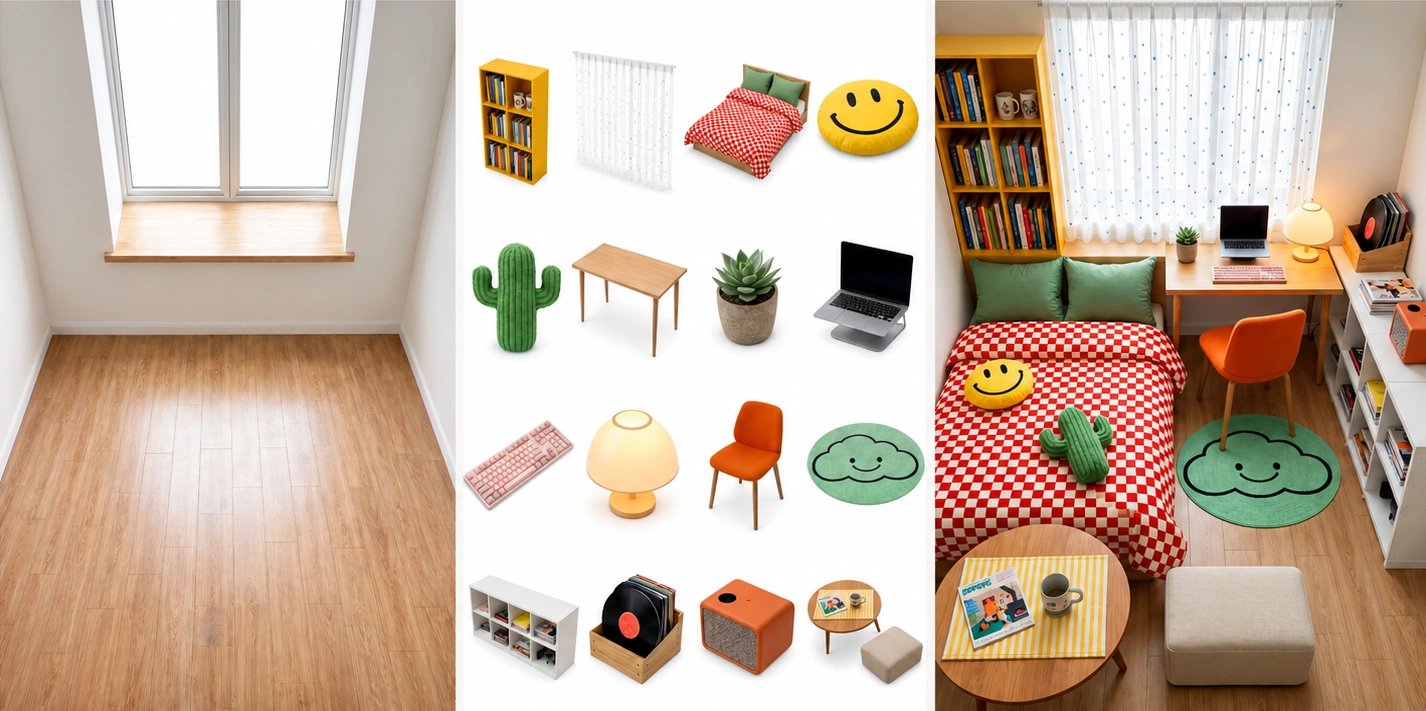
Prompt:Use as the main room layout. Apply the furniture style from and the warm lighting from . Keep the window and wall positions unchanged.
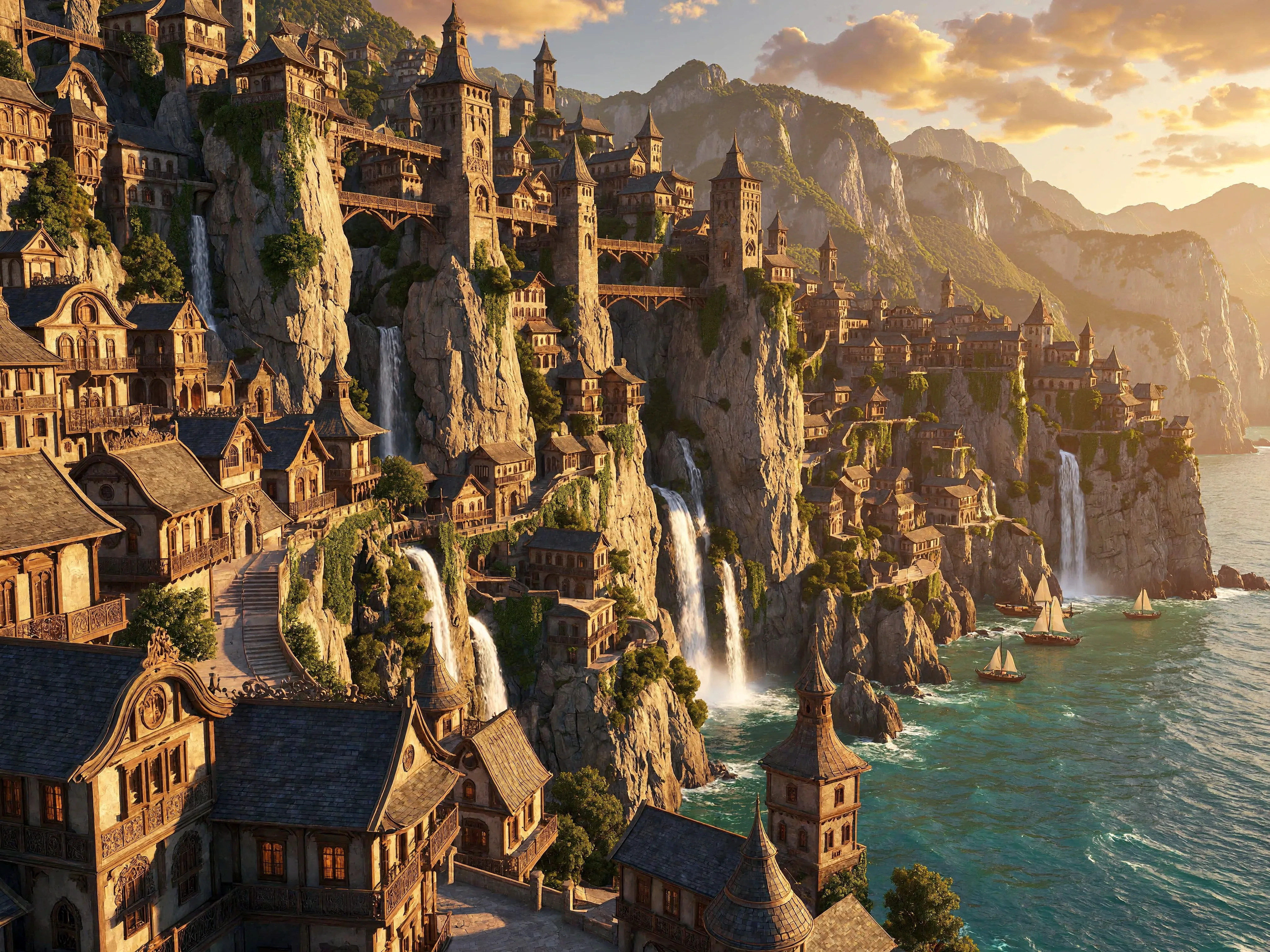
Create high-resolution images with realistic details and more control over how your prompts and references shape the result.
Generate large images with room for fine textures and complex scenes. The H3-Image model supports native 4096 × 4096 output—about 16 megapixels—without a separate upscaling step.
MiniMax reports that the model can generate full-resolution 4K images in under 10 seconds in its published tests. Actual generation time depends on the service, server load, and settings.
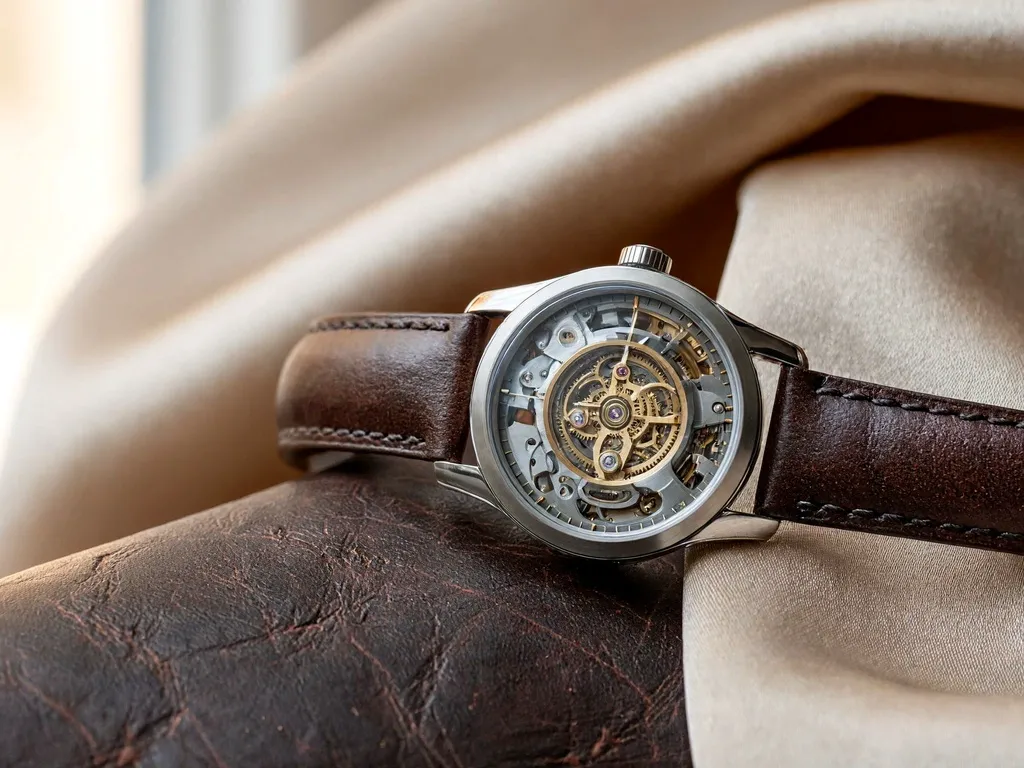
Create images with natural-looking lighting, textures, and materials, including fabric, skin, metal, and environmental details. Review small details and text before using a generated image in a final design.
Describe the subject, composition, lighting, materials, and style you want. For edits, explain what to change and what to preserve.
The underlying model supports up to 16 reference images. The number you can upload on this site may be lower.
Tip: Use one reference for the subject, another for the background, and a third for the style. Explain what each image should guide.
See how these features work in practice in our MiniMax H3 Image review.
Generate a new image or edit an existing one in three steps.
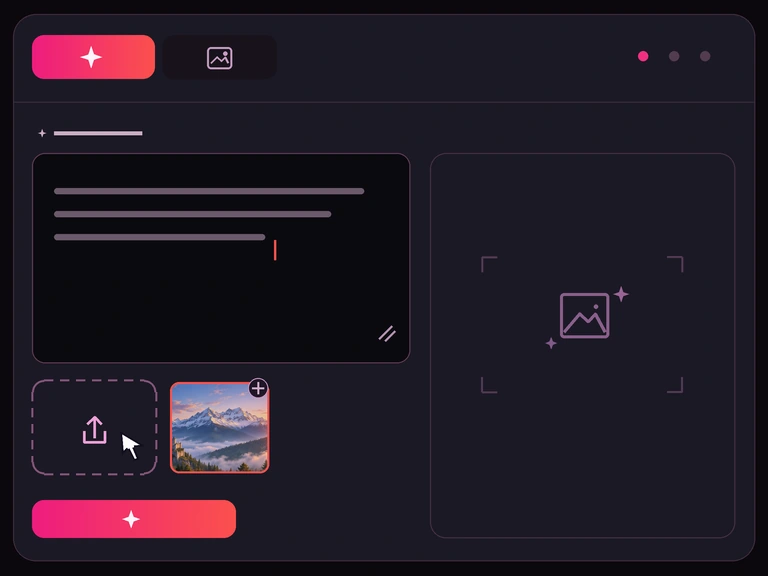
Step 1
Describe the image you want, or upload images to guide an edit. Include the subject, style, and any details you want to keep.
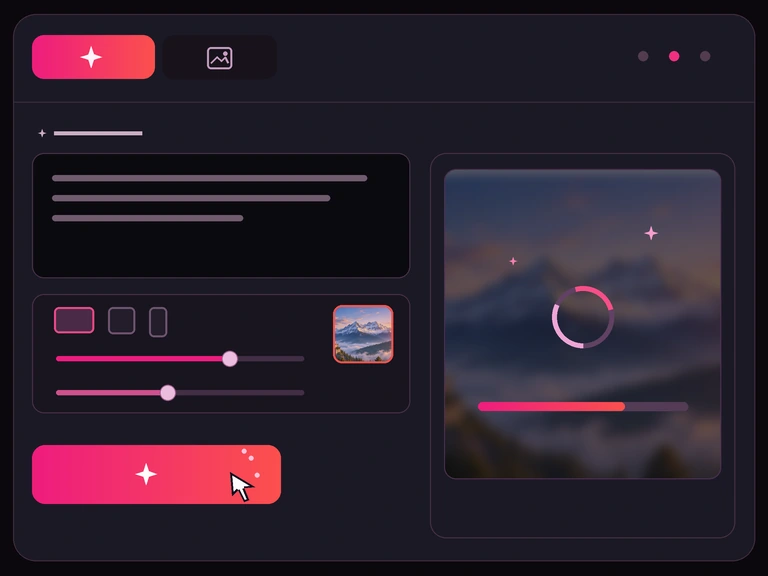
Step 2
Choose the settings available in the tool, then click Generate Image or Edit Image.
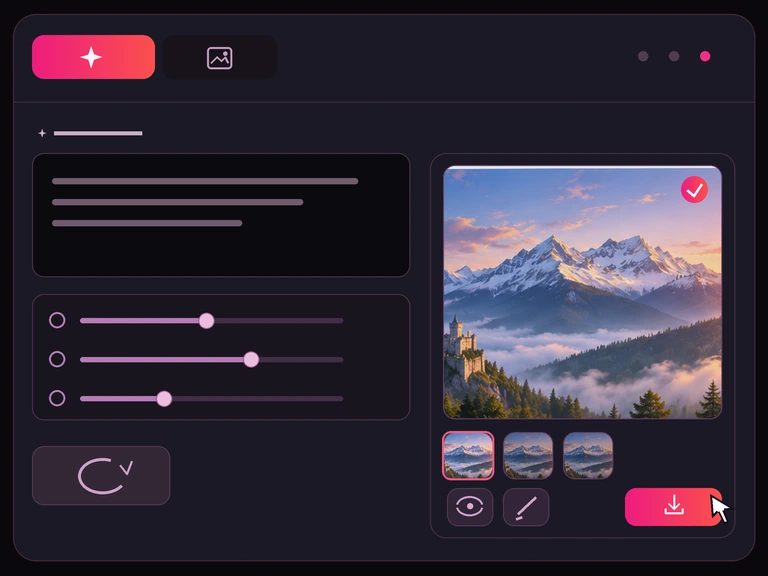
Step 3
Preview the result, adjust your prompt if needed, and download your image.
From game concept art to product mockups, use prompts and reference images to explore different visual ideas.
Explore environments, fantasy worlds, and game key art. Describe architecture, lighting, and atmosphere to try different versions of a scene.
Create Game Art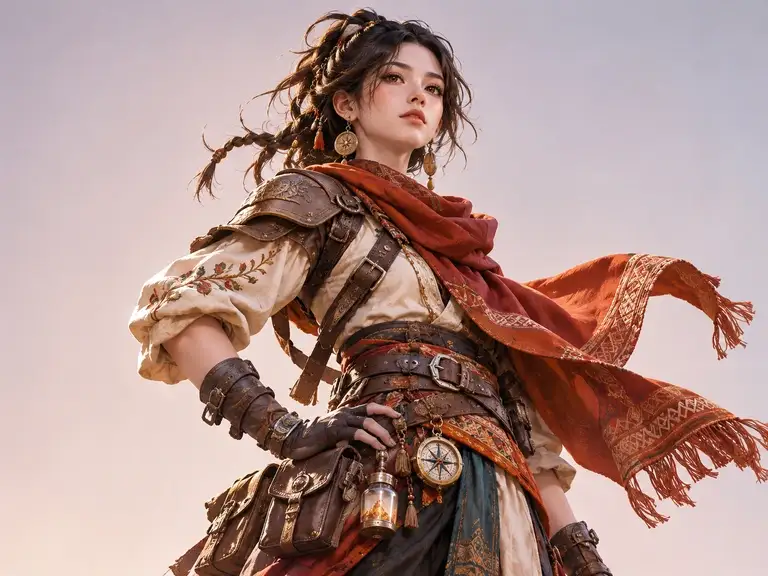
Try different characters, costumes, poses, and illustration styles. Use reference images to guide specific visual details.
Create Character Art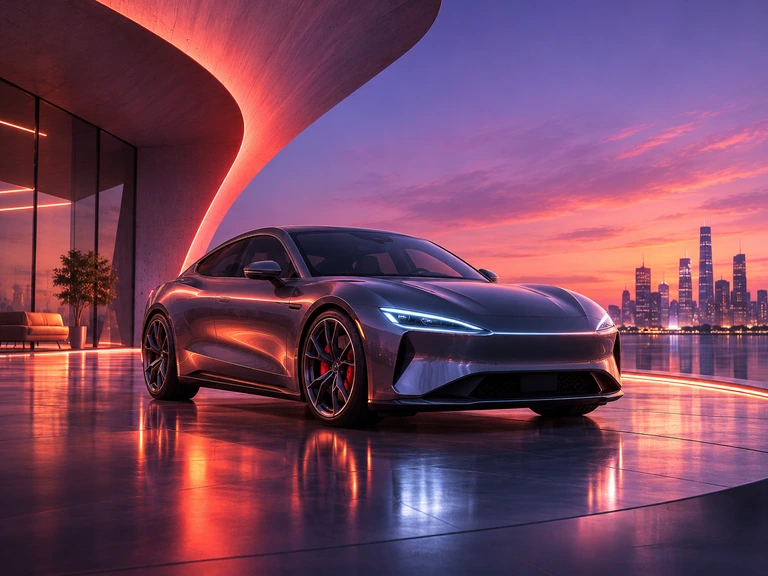
Develop concepts for posters, promotions, and digital ads. Set the subject, layout, colors, and mood in your prompt. Check any logos, text, and product claims before publishing.
Create Marketing Visuals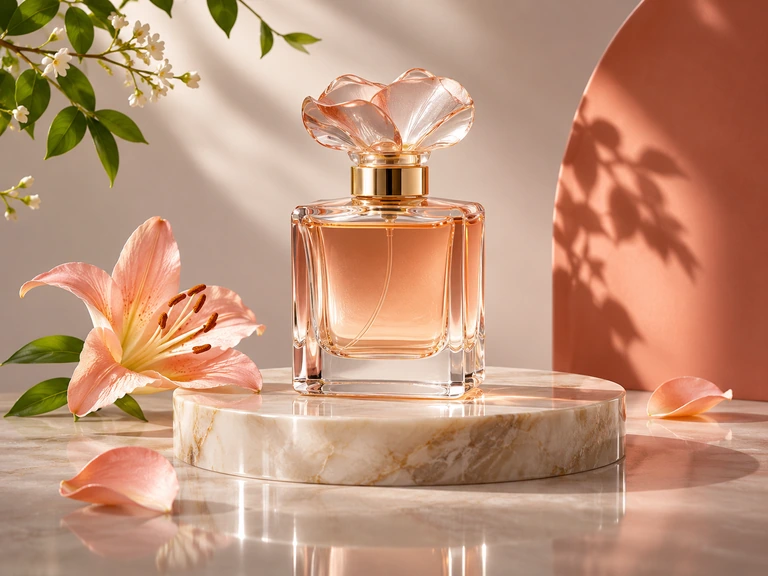
Explore product visuals with different backgrounds, lighting, and styles. Use an existing product image as a reference, and check important details such as colors, labels, and proportions.
Create Product Images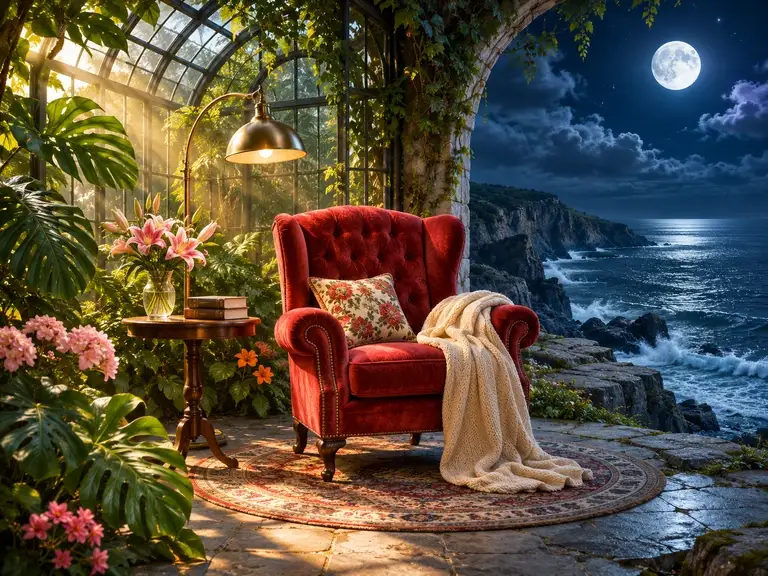
Change backgrounds, explore styles, or combine visual ideas using reference images. Describe which parts of the original you want to keep.
New accounts start with 50 free credits. At 1K, Standard costs 2 credits to generate an image from text or 4 credits to edit an image.
| Model and mode | 1K | 2K | 4K |
|---|---|---|---|
| Standard · Text to Image | 2 | 3 | 7 |
| Standard · Image Edit | 4 | 5 | 8 |
| Highspeed · Text to Image | 3 | 4 | 13 |
| Highspeed · Image Edit | 7 | 8 | 15 |
The base price for an image edit covers the first 4 reference images. You can add more; each additional group of up to 4 costs 1 extra credit per output image. Check the estimated total on the Generate Image or Edit Image button before submitting.
Purchased credits never expire and can be used for MiniMax H3 images and videos. View credit packs.
MiniMax H3 Image is an AI model for text-to-image generation and image editing. Unlike MiniMax H3, which focuses on multimodal video generation, H3 Image specializes in creating and editing still images. To animate a still image, use it as the first frame in the MiniMax H3 video generator.
Yes. MiniMax H3 Image supports instruction-based editing, allowing you to change backgrounds, lighting, and styles while asking the model to preserve the original subject.
MiniMax H3 Image supports up to 16 reference images, with each image limited to 10 MiB. Supported reference formats include JPG, PNG, WebP, HEIC, and HEIF.
MiniMax H3 Image supports native 4K generation (4096 × 4096) and custom image sizes from 655,360 to 20 million pixels, with aspect ratios ranging from 1:3 to 3:1. For image editing, the default auto setting preserves the first reference image’s aspect ratio within a 2048 × 2048 output area. Supported output formats include PNG, JPEG, and WebP.
MiniMax reports that H3 Image can generate a 4096 × 4096 image in under 10 seconds in its published tests. Actual generation time varies with the hosting service, hardware, and request settings.
Yes. New accounts receive free credits to try MiniMax H3 Image before paying. Credit costs vary by generation mode and settings. Check the current credit cost displayed in the generator before creating or editing an image. Paid plans offer additional credits.
Yes, MiniMax H3 Image can be used for commercial projects, subject to applicable licensing terms and geographic restrictions. Make sure you have the necessary rights to any reference images, logos, trademarks, or other third-party content used in your projects.
Yes. Your uploaded images, prompts, and generated content are stored for up to 6 months so you can access your creation history. Your content is not used for model training without your consent, and you can delete individual creations at any time. For more details, see our Privacy Policy.
Enter a prompt to create an image, or upload an image and describe what you want to change.