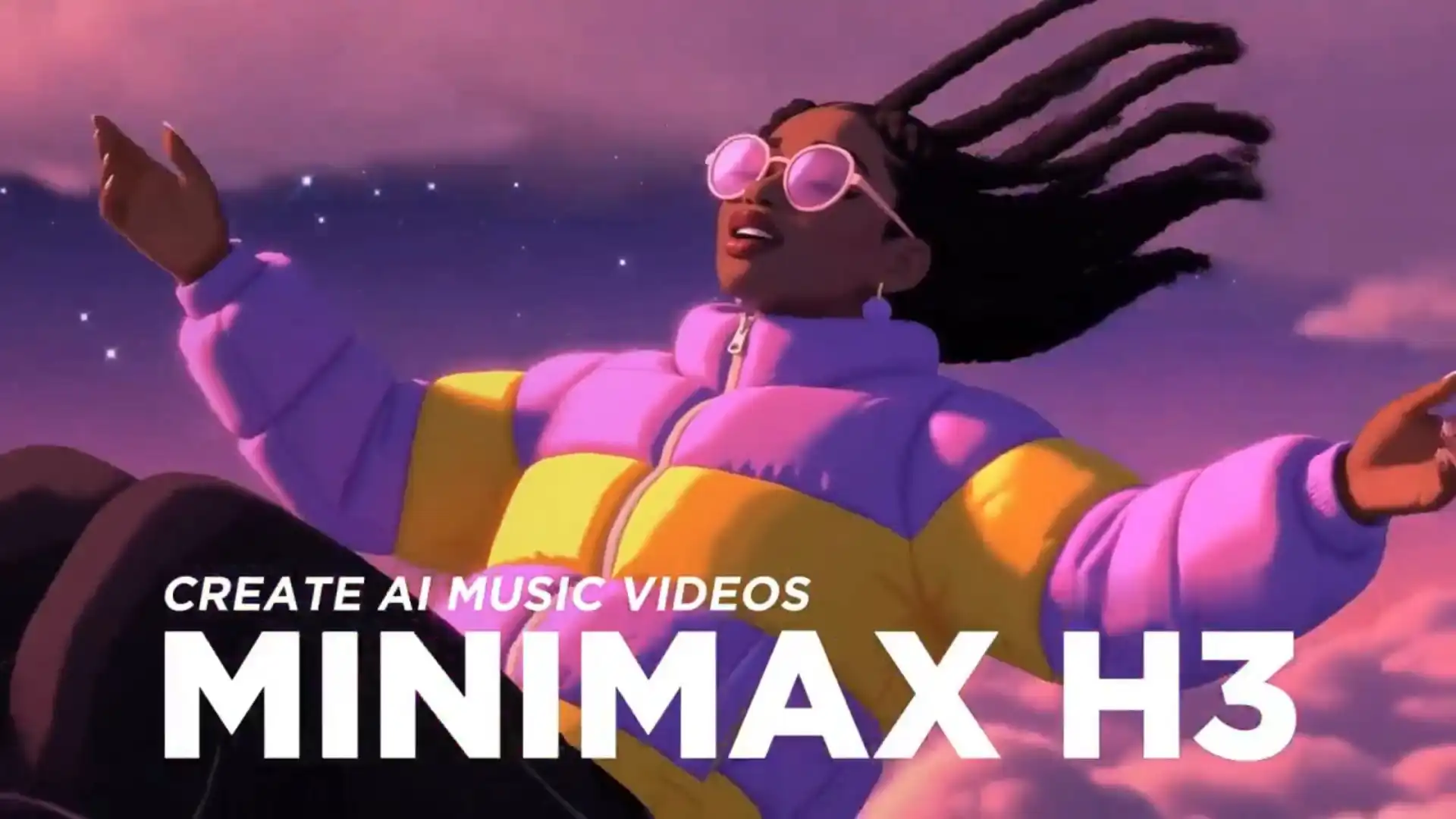
For independent musicians, AI artists, creators, and small production teams, making a traditional music video can mean locations, performers, cameras, editing, and a budget that quickly grows beyond the song itself. An AI music video workflow changes that equation.
That is where MiniMax H3 becomes useful. H3 can understand text, images, video, and audio as part of the same generation context, letting creators use the song itself alongside character and visual references.
Add MiniMax Music, the workflow can cover the full creative path:
Music Idea → Finished Song → Visual Plan → H3 Scenes → Final Music Video
The goal is not to generate more clips. It is to create footage that actually works together.
Why Is MiniMax H3 Good for AI Music Videos?
Let the music become part of the direction.
H3 can work with text, images, video, and audio references, making it especially useful for music-driven video production.
Each input can take a different creative role:
Audio: song, vocals, rhythm, and atmosphere
Images: singer, wardrobe, location, and visual identity
Video: dance, body movement, or camera motion
Prompt: performance, cinematography, mood, and scene direction
Instead of asking an AI video generator to guess what a track should look like, you can provide more of the creative intent behind it.
For example, combine the same singer reference with a chorus clip, a dance reference, and a prompt describing an energetic tracking shot.
Music sets the energy. References hold the identity. H3 directs the scene.
How to Turn a MiniMax Music Song Into an H3 Video?
MiniMax Music creates the sound. H3 turns it into scenes.
MiniMax Music and H3 can work as one connected AI music video workflow. Music generator creates the soundtrack, while H3 turns selected parts of that track into visual scenes.
1. Create or Prepare the Song
Use MiniMax Music to define the genre, mood, lyrics, vocals, and song structure. If you already have a finished track, you can start directly with the next step.
2. Break the Track Into Visual Moments
Divide the song into sections such as:
Intro → Verse → Chorus → Bridge → Outro
Then decide what each section should do visually. A verse might use intimate performance shots, while the chorus can introduce bigger movement, lighting, and camera energy.
3. Bring the Music Into H3
Use the corresponding song section as an audio reference, then combine it with other creative inputs:
Image: singer and visual identity
Audio: music, vocals, rhythm, and mood
Video: dance, movement, or camera reference
Prompt: performance, location, cinematography, and style
Every reference needs a job.
4. Generate One Controlled Scene
Focus each H3 generation on one musical moment rather than the entire song. Review character consistency, motion, composition, and how well the shot fits the music before moving to the next section.
MiniMax H3 Video Generator Online 🎼
The complete workflow becomes:
MiniMax Music → Song Sections → H3 References → Video Clips → Final Music Video
How to Plan an AI Music Video?
Treat the song as a timeline, not one long prompt.
A three-minute track should become a sequence of visual moments.
Before generating anything, map the important parts of the song:
Song Section | Visual Purpose | Example |
Intro | Establish the world | Slow location reveal |
Verse | Build story or personality | Close-ups, narrative |
Pre-Chorus | Increase tension | Stronger motion |
Chorus | Deliver the hero moment | Performance, dance, effects |
Bridge | Create contrast | New location or style |
Outro | Finish the visual idea | Final performance or callback |
This prevents every clip from trying to look equally dramatic.
A quiet verse may need an intimate close-up. The chorus can use bigger movement and brighter lighting. The bridge can introduce a completely different visual idea.
Different parts of the song need different visual jobs.
How to Write Better Music Video Prompts?
Direct one shot, not the whole song.
A strong music video prompt should describe a specific visual moment.
💡 Use this formula:
Subject + Performance + Location + Camera + Music Energy + Visual Style
For a verse:
Female singer performs alone on a rain-soaked rooftop at night, restrained emotional movement, slow handheld push-in, distant city lights, intimate R&B mood, soft cinematic backlight.
For the chorus:
Same singer and wardrobe beneath bright neon signs, stronger body movement, confident performance, dynamic tracking camera, vivid magenta lighting, energetic music-video cinematography.
The identity stays stable while the performance, camera, and visual energy change with the song.
Avoid broad prompts such as:
Create an amazing cinematic music video for this song.
Audio provides the musical context. The prompt directs the shot.
Consistency Makes AI Music Videos Feel Real
Change the world, not the performer.
Consistency matters even more when a music video is built from multiple AI clips.
Create a small singer reference set before production:
Clear face portrait
Full-body image
Main hairstyle
Signature outfit
Hero promotional look
Then reuse the strongest references throughout the project.
You can move the singer from a rooftop to a nightclub, desert, game world, or futuristic city while keeping core identity elements stable.
Keep these decisions consistent:
Face → Hair → Wardrobe → Color Palette → Lighting → Visual Style
The scenes can change dramatically. The artist should still feel like the same person.
Can H3 Generate a Full Music Video in One Shot?
Short clips make editing a creative advantage.
MiniMax H3 still has a limited duration per generation, so a full song-length music video needs to be created from multiple scenes rather than one continuous output.
But that does not have to be a weakness.
Short scenes encourage creators to think like editors:
Which moment deserves a close-up?
Where should the chorus become bigger?
When should the location change?
Which shot should connect into the next one?
The workflow becomes:
Song → Shot Plan → H3 Clips → Select Takes → Connect Scenes → Final Edit
H3 also supports first- and last-frame control, giving creators another way to plan transitions between clips. You can use the ending state of one scene and the planned opening state of another to create more deliberate visual continuity.
That makes it easier to generate separate controlled shots and then combine them into a longer sequence during post-production.
If one scene fails, regenerate that scene rather than rebuilding the entire video.
A long AI music video needs better editing decisions, not one longer generation.
Best MiniMax H3 Music Video Use Cases
One workflow can power an entire music release.
H3 is useful far beyond a single traditional music video.
Independent Musicians and AI Artists
Create:
performance videos
narrative MVs
lyric visuals
album teasers
release trailers without organizing a full traditional production.
💡 Tips:
Reuse the same face, hairstyle, and wardrobe references.
Match performance intensity to the song section.
Give each clip one clear visual purpose.
Keep teaser prompts simpler than full MV scenes.
❕ Watch out:
Do not redesign the singer in every shot. Change the world, not the core artist identity.
Example:
Same female singer in a silver jacket performing the chorus on a neon rooftop, confident body movement, slow tracking camera, strong backlight, energetic synth-pop music video style.
Social Creators
Turn the strongest chorus or visual moment into:
TikTok clips
Reels
YouTube Shorts
Vertical performance videos
Looping visuals
💡 Tips:
Put the visual payoff early with a hook.
Use the chorus, beat drop, or most recognizable lyric.
Keep the action easy to understand at a glance.
Design loops so the final pose or camera position can reconnect to the opening.
❕ Watch out:
Do not overload a short clip with multiple locations, costume changes, and story beats.
Example:
Singer hits the chorus as the room transforms into a glowing cartoon city, fast push-in camera, bold rhythmic movement, bright graphic lighting, vertical social-video composition.
Experimental and Visual Artists
Explore:
Anime music videos
Surreal worlds
Mixed-media visuals
Fantasy scenes
Game-inspired aesthetics
Fashion-film styles
These formats let visual identity matter more than strict realism.
💡 Tips:
Name one dominant visual style.
Explain how the world transforms or reacts to music.
Keep character features recognizable across style changes.
Use reference images to lock the visual language.
❕ Watch out:
Surreal alone is too broad. Define what changes, how it moves, and what stays consistent.
Example:
Rap performer becomes a cel-shaded animated character inside a hand-drawn comic city, graffiti panels transform with the beat, exaggerated perspective, dynamic low-angle camera, bold street-art color language.
Brands, Agencies, and Production Teams
Combine music with:
Fashion campaigns
Product launches
Gaming promotions
Artist collaborations
Social advertising
Instead of creating one finished MV and stopping there, teams can reuse the same visual system across hero videos, teasers, ads, and social content.
One song can become an entire visual campaign.
💡 Tips:
Decide what must remain visible: product, logo area, performer, or key design detail.
Keep the same palette and visual system across hero videos and cutdowns.
Generate modular scenes that can be reused for ads, teasers, and social clips.
Leave clean composition space when text or branding will be added later.
❕ Watch out:
Do not let cinematic effects hide the product or campaign message.
Example:
Metallic headphones rotate beside a performing artist as bass pulses trigger flowing light trails, clean premium studio environment, controlled dolly movement, polished black-and-purple campaign aesthetic.
Best AI Music Video Workflow
Do not decorate the song. Direct it.
The strongest AI music videos are not collections of unrelated beautiful clips.
Start with the music.
Understand its structure.
Build a recognizable performer and visual identity.
Then use H3 to turn individual musical moments into controlled scenes.
If you need a soundtrack, MiniMax Music can create it.
If the song is already finished, go directly to MiniMax H3.
Either way, MiniMax H3 becomes the visual production layer that turns the track into a complete creative world.
Have a song ready?
Start with its strongest chorus, create one H3 scene, and build the music video from there.
MiniMax H3 Music Video FAQs
Can MiniMax H3 Sync Video Rhythm to Music?
Yes. H3 can use audio references to guide editing rhythm, voice, and overall audiovisual direction, making it useful for beat-driven music video scenes.
How Many References Can MiniMax H3 Use in One Scene?
Reference generation supports up to 9 images, 3 videos, and 3 audio clips, with a maximum of 12 mixed reference files in one request.
What Audio Files Can You Use With H3?
H3 currently supports WAV and MP3 reference audio.
You can use up to three audio clips, with each reference lasting 2–15 seconds and the combined audio duration capped at 15 seconds per generation.
Can MiniMax H3 Transfer Dance or Camera Motion?
Yes. Reference video can guide motion and camera behavior, which is useful for dance performances, choreography, and more dynamic music-video shots.
Does MiniMax H3 Generate Native Audio?
Yes. H3 generates video with native stereo audio and jointly works with speech, sound, and music rather than treating audio only as a post-production layer.
Can H3 Make Vertical Music Videos for TikTok and Reels?
Yes. H3 supports common aspect ratios including 16:9, 9:16, 1:1, 4:3, 3:4, and 21:9, making it suitable for YouTube music videos as well as TikTok, Reels, and Shorts.